HEAT
Too hot to carry on
Continuous recording, hot weather, direct sun, poor airflow and even slow cards add heat. Past its limit, a camera shuts down or warns you until it cools.
Keep it cool sonyfullframe
VIDEO ON A STILLS CAMERA
Long video takes are hard work for a small camera.

4 GB the old file ceiling
4 GB − 1 byte Largest single file on a FAT32 card
The processor and sensor heat up, the card has to keep pace and the file keeps growing. When a recording stops early, one of four limits is usually to blame, and each has a different fix.
THE SHORT ANSWER
Heat is the one people blame first.
It is often something else.
HEAT
Continuous recording, hot weather, direct sun, poor airflow and even slow cards add heat. Past its limit, a camera shuts down or warns you until it cools.
Keep it coolCARDS
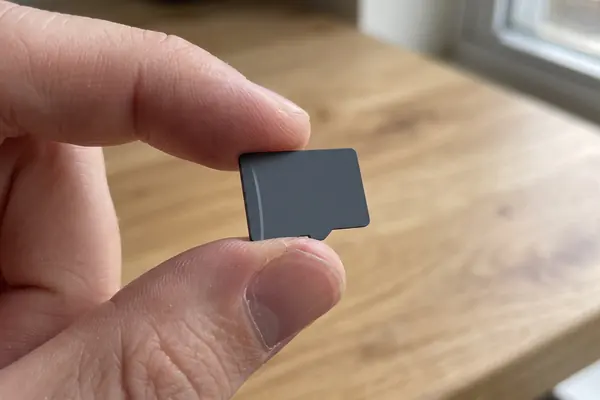
Video needs a constant minimum write speed to avoid dropped frames. Speed class symbols on the card show that minimum.
Find the causeFILES AND CLIPS
Cards formatted as FAT32 cap each file at 4 GB minus one byte, so long takes split. Some cameras also stop clips just short of 30 minutes.
See the numbersA QUICK FAULT CHECK
Pick what happened to see which limit you probably hit. The bar shows how much it restricts long recording.
Check your camera's manual for its own limits; models differ widely.
FOUR WAYS TO RECORD LONGER
Most of these cost nothing. They reduce the work the camera does or help it shed heat.

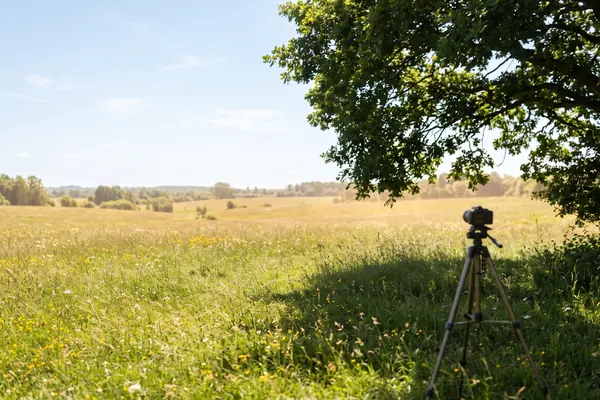
Direct sunlight and hot weather are common causes of overheating. Plan where the camera will sit and shade it if it must stay out.
If you do not need 4K or high frame rates, lower them. Some cameras can record about twice as long in 1080p as in 4K before overheating.
A card that keeps up lets the camera finish writing sooner. Reformatting a well-used card clears fragmented space.
Find a spot with airflow and keep hands off the body during long takes. If it does overheat, rest it in the shade until it cools.
TWO NUMBERS WORTH KNOWING
One limit from the file system,
one scale from the card standard.
4 GB − 1 byte
Largest single file on a FAT32 card
FAT32 stores file sizes in four bytes, so no file can exceed 4,294,967,295 bytes. exFAT stores them in eight bytes, removing the ceiling for practical purposes.
FAT32 · WIKIPEDIA
V6–V90
Minimum write speed symbols for video
The SD Association's Video Speed Classes run V6, V10, V30, V60 and V90. The number is the guaranteed minimum sequential write speed in MB/s, defined for high-resolution 4K and 8K recording.
VIDEO SPEED CLASS · SD ASSOCIATION
The SD Association also warns that repeated deleting and writing fragments a card and slows writes; moving files off and reformatting the card restores clean space for speed-class recording.
READING A CARD
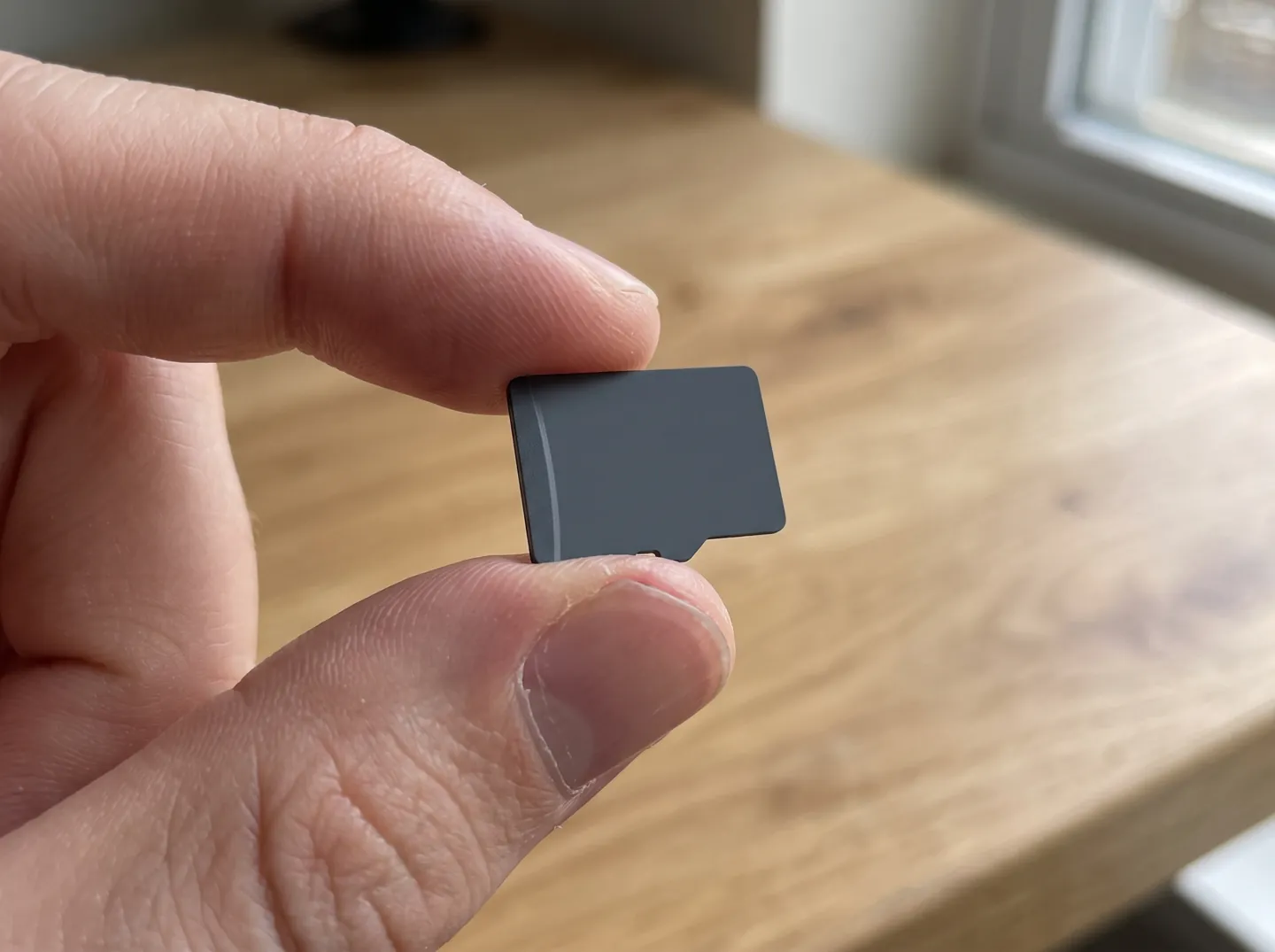
Cards may carry a Speed Class (C2 to C10), a UHS Speed Class (U1, U3), a Video Speed Class (V6 to V90) or an SD Express class (E150 to E600). Each number is a minimum write speed, which matters most for video.
Match like with like: choose a card with the same or a higher symbol of the type your camera lists. The SD Association notes that mixing families, such as a camera asking for U1 and a card marked V10, does not guarantee the speed, even when the numbers match.
Questions
That is a clip-length cap set by the camera's maker, not a sign of overheating. Pressing record again starts a new clip.
Usually the camera protects itself: once it passes its maximum operating temperature it shuts down or shows a warning until it cools. A hot sensor can also show more noise.
Cards formatted with FAT32 cannot hold a single file larger than 4 GB minus one byte. exFAT, the official file system of SDXC cards, removes that limit.
They are SD Association speed classes. The number is the minimum write speed in MB/s; V classes were defined for high-resolution video recording.
It can. A card that keeps up means the camera spends less time buffering and writing, which reduces the work it has to do.
Updated
ABOUT THIS NAME
sonyfullframe.com is part of the DoodleSale portfolio. It isn't in an auction right now, but you can ask about leasing it.